
Video Speed Controller – Adjust Playback Speed Online
Practical, plain-English guides to watching videos slower or faster, choosing the right speed and fixing playback problems.
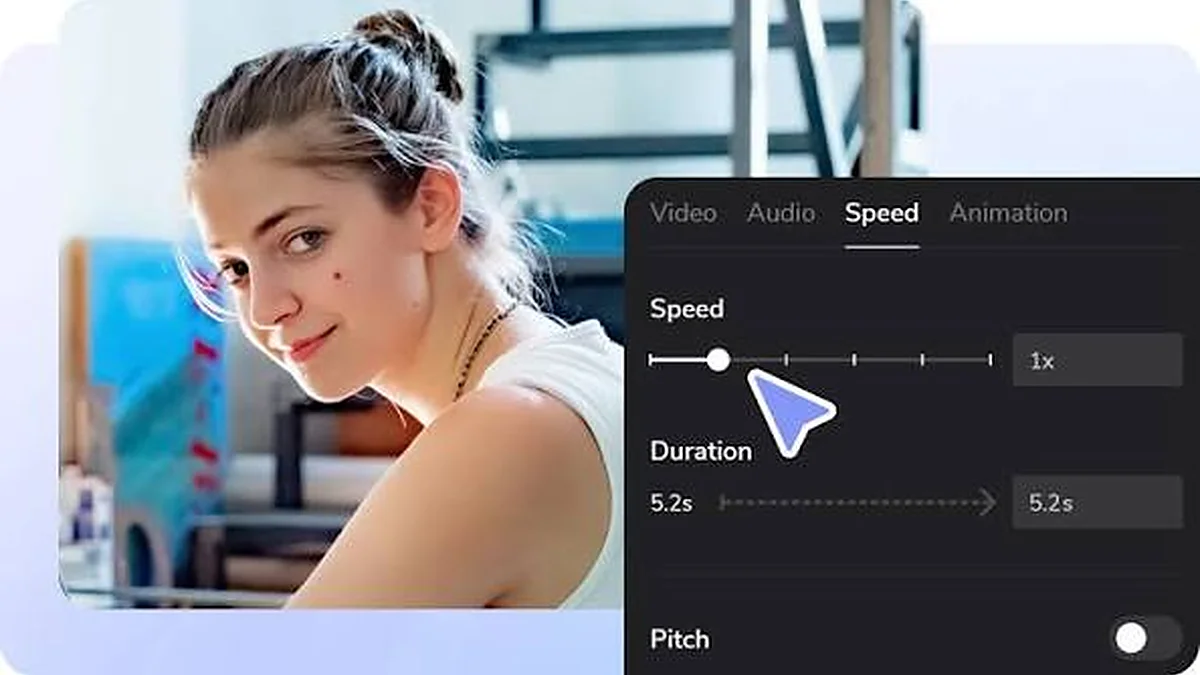
How to Change Video Speed Online
Load a video from your device, pick a preset or fine-tune the speed, and watch it slower or faster in seconds.
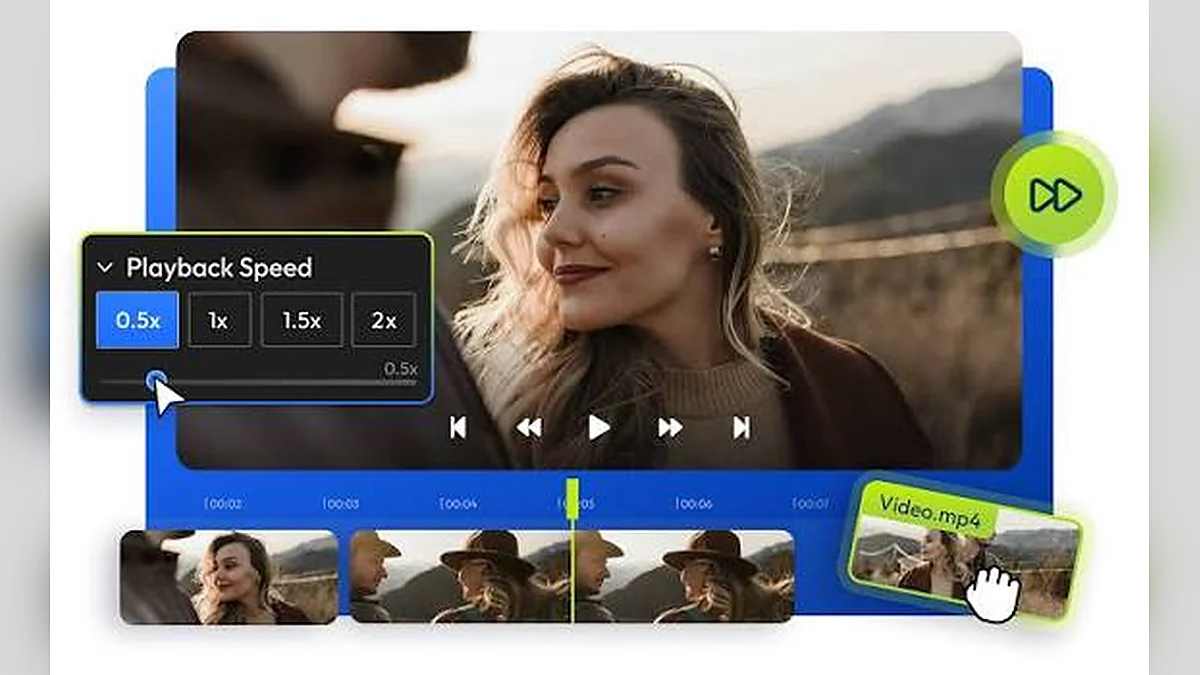
How to Slow Down a Video Without Editing It
Slow motion for review does not need an editor. Here is how to watch any local clip at 0.75×, 0.5× or 0.25×.
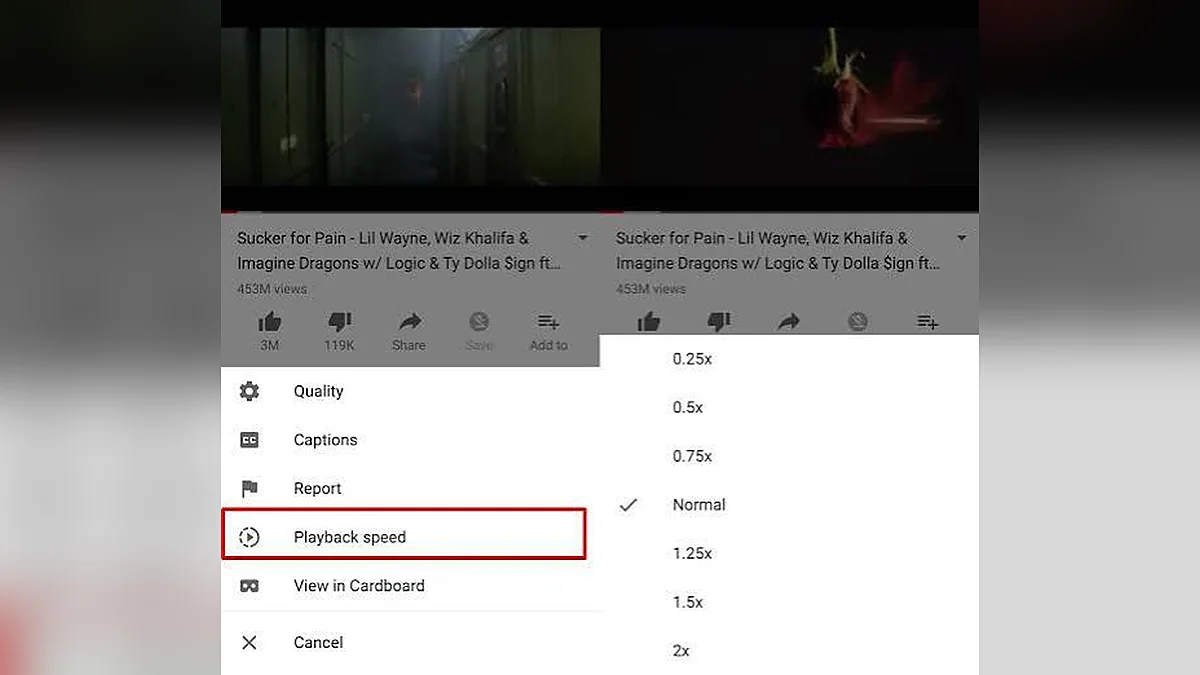
How to Speed Up a Video to 1.5x or 2x
Faster playback can save time on long recordings. Learn which speeds stay comfortable and how to step up gradually.
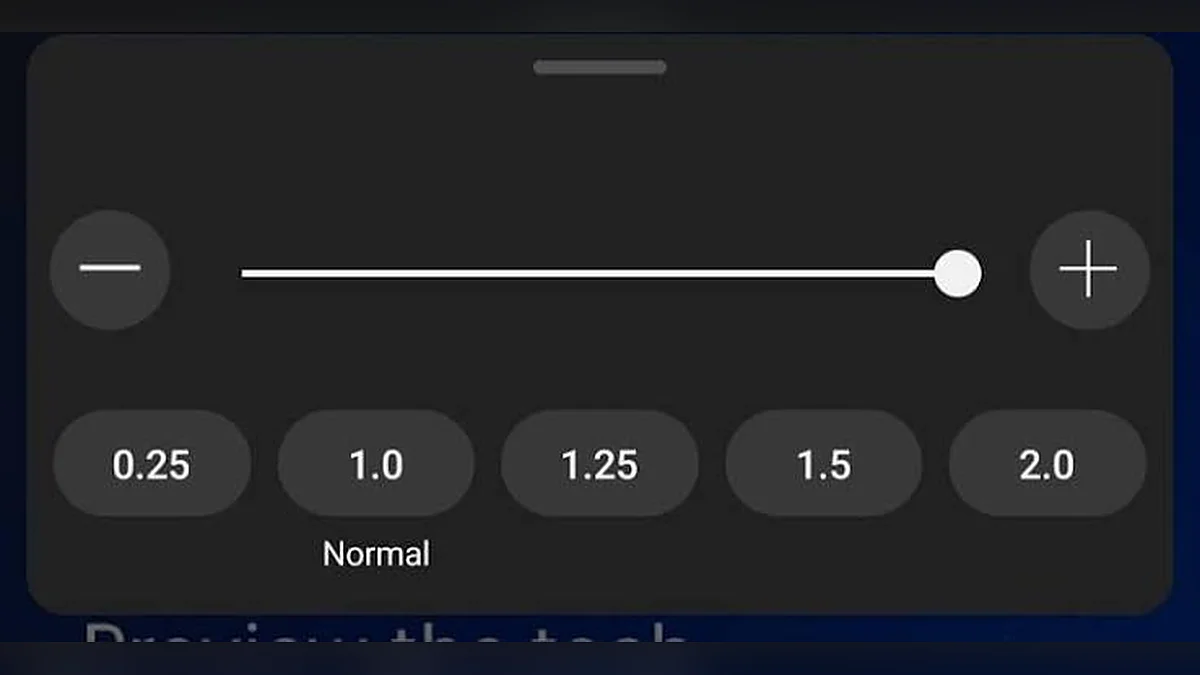
Playback Speed Explained: 0.5x, 1x and 2x
The “×” number is a simple multiplier. See exactly what 0.5×, 1× and 2× do to timing, frames and sound.
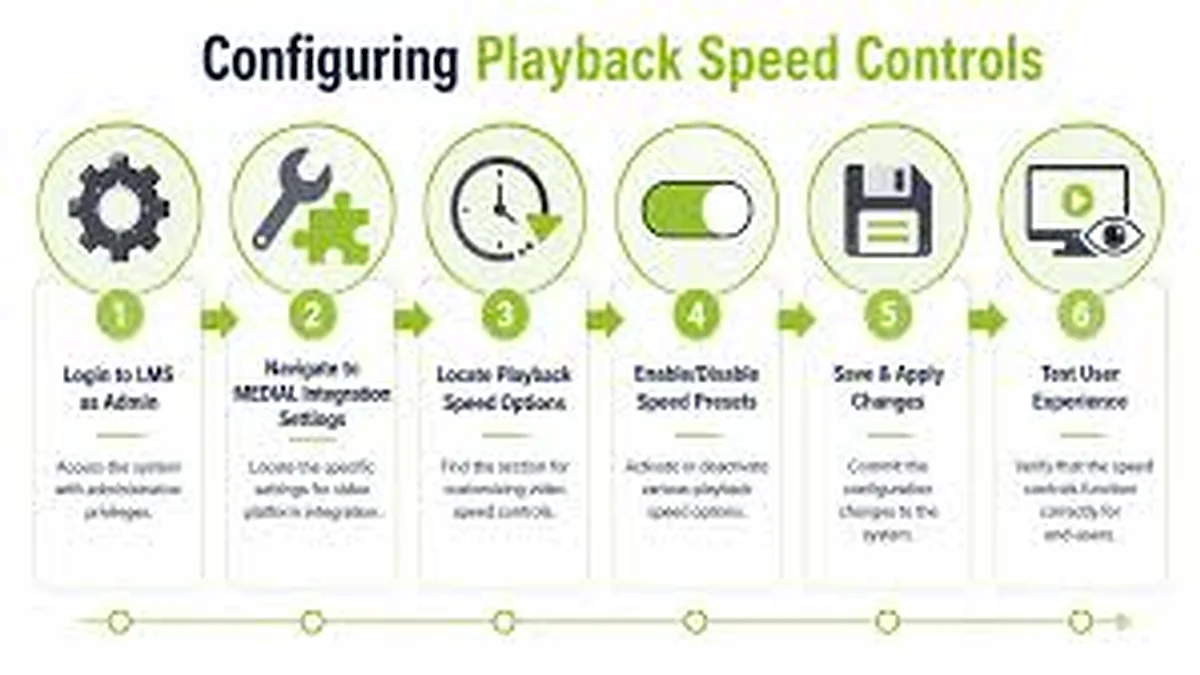
Best Playback Speeds for Studying and Lectures
A practical approach to watching recorded lectures faster without losing the important parts.

Using Slow Playback for Language Learning
Slower audio gives you time to catch every word. Use it as a step towards normal speed, not a replacement.
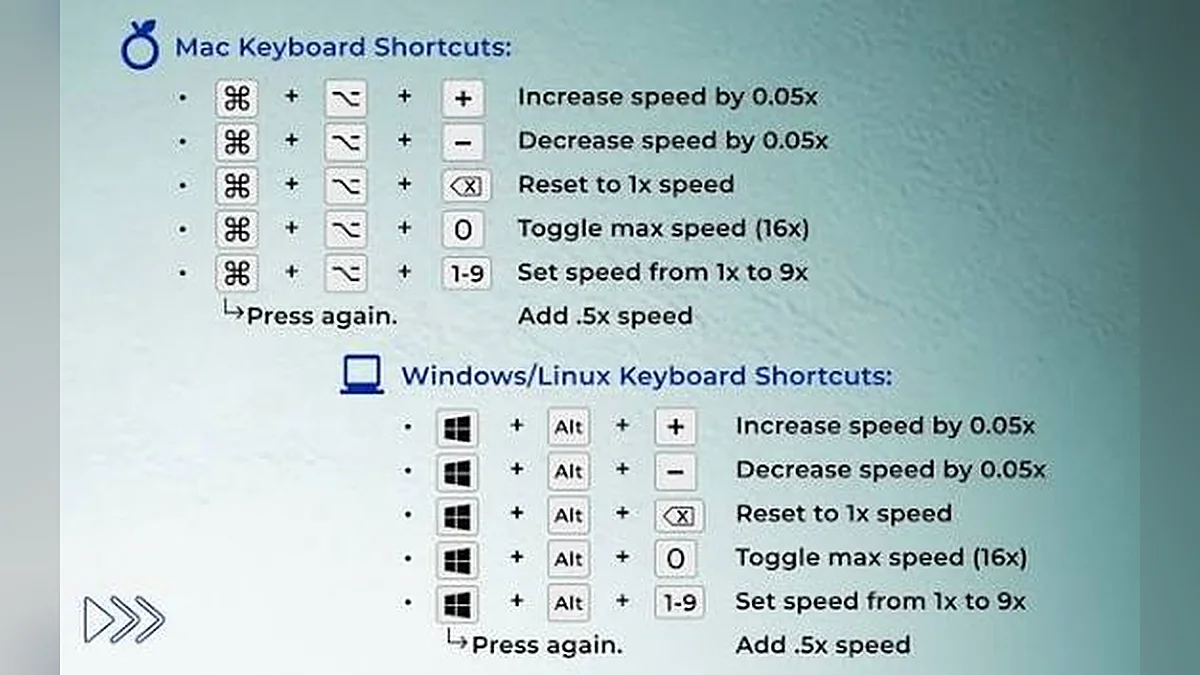
Video Speed Controller Keyboard Shortcuts
Control speed and playback without touching the mouse. Here is the full list and how shortcuts behave.
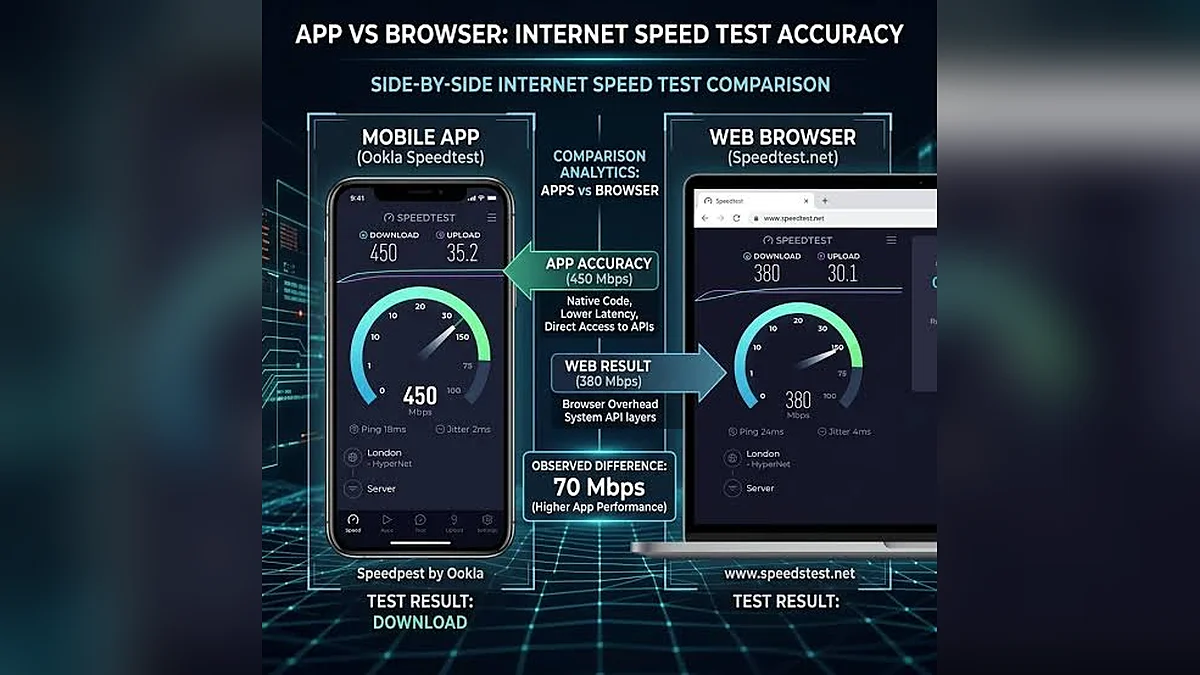
Online Speed Tool vs Browser Extension
Both change playback speed, but they work in different places. Here is how to choose.
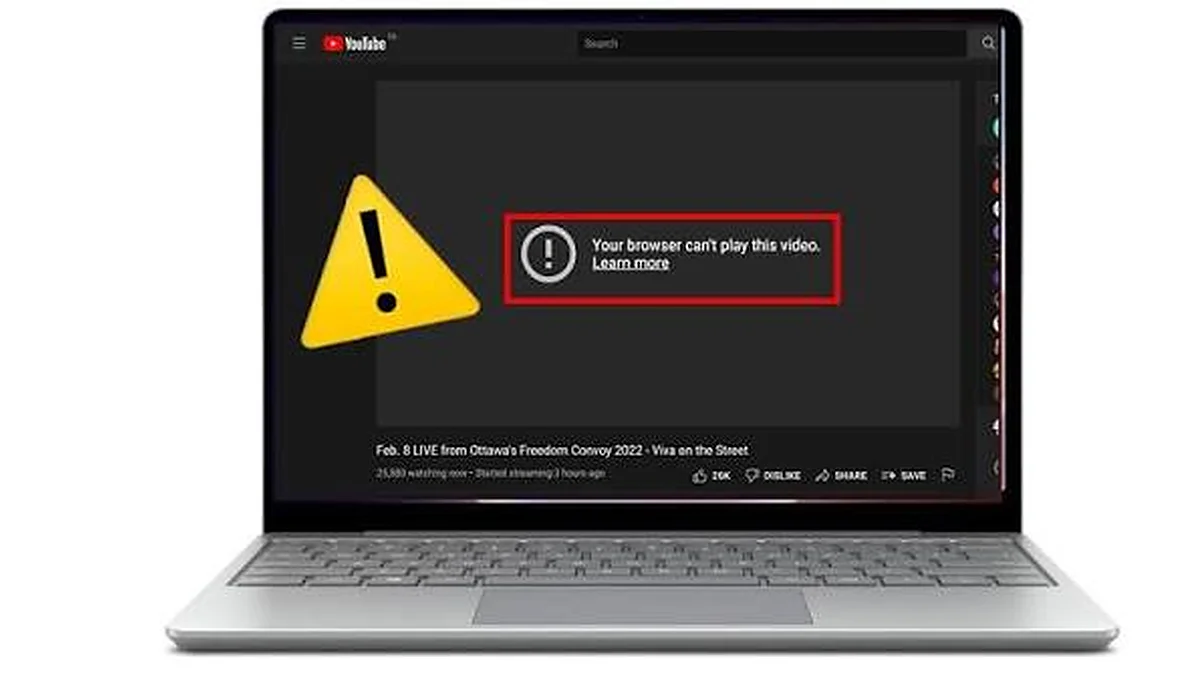
Fix a Video That Won’t Play in Your Browser
Black screen, no sound or an error? Work through these causes in order.
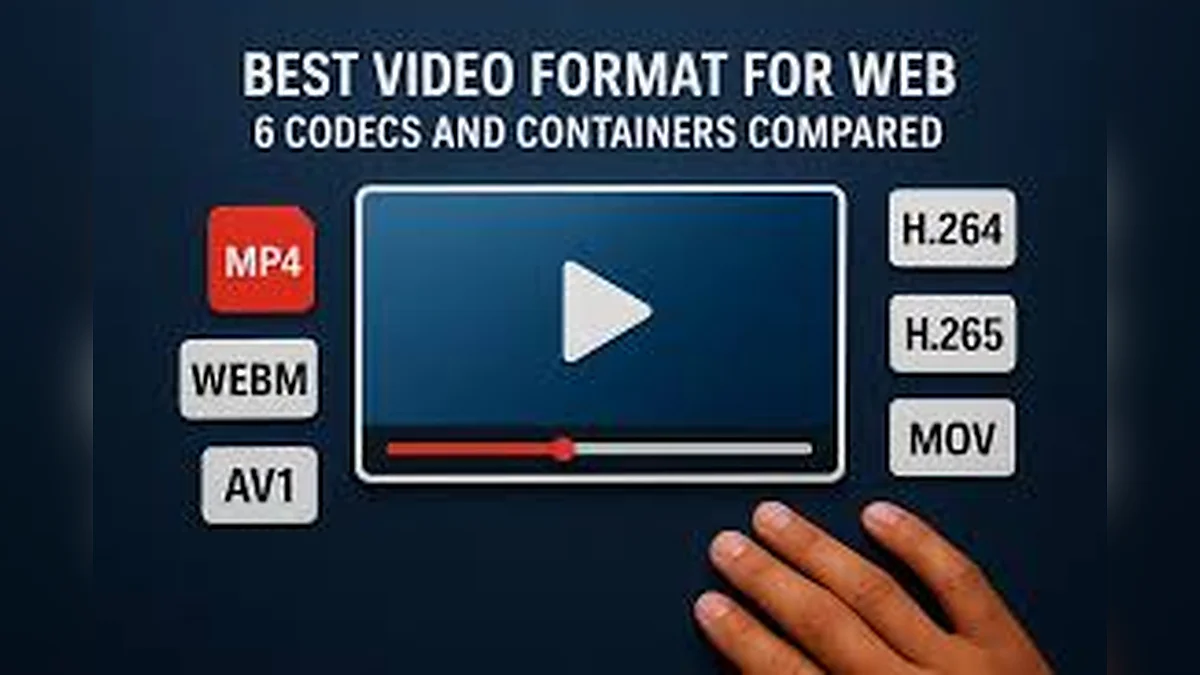
MP4, WebM and Codecs: Which Videos Play?
Container and codec are not the same thing. Here is what decides whether a file plays in your browser.
Why Pitch Changes When Video Speed Changes
The “chipmunk effect” has a simple cause, and browsers fix it automatically. Here is how it works.
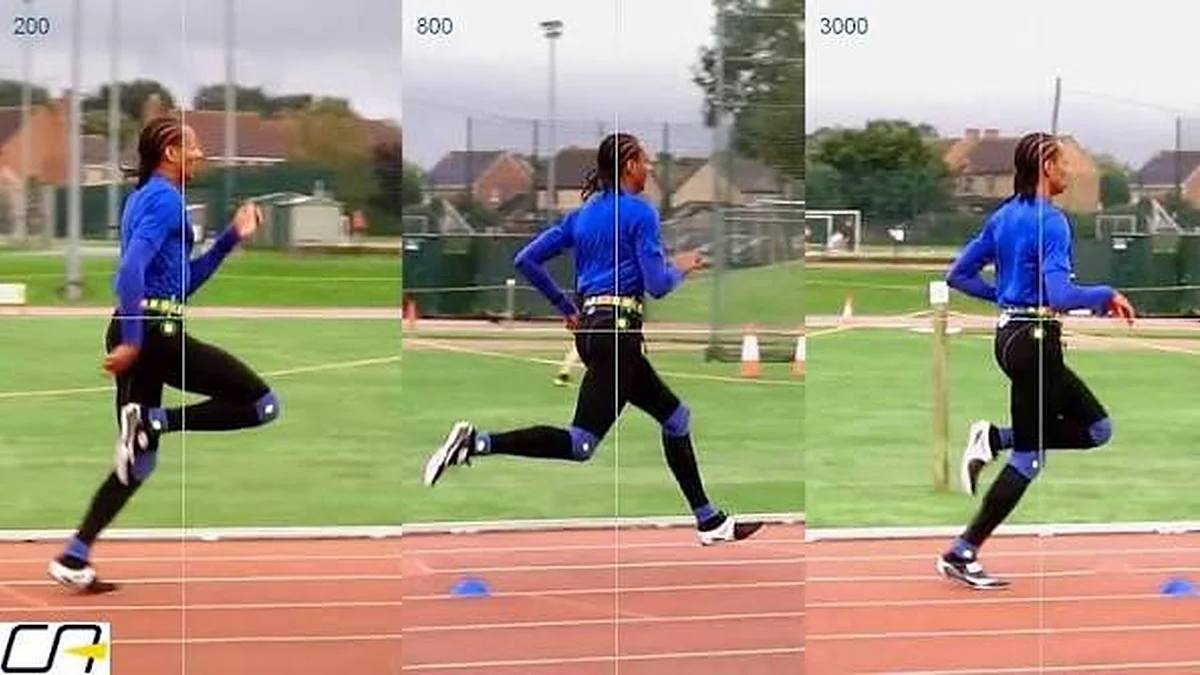
Slow Motion Review for Sports and Technique
Film it, open it, slow it down. A simple workflow for reviewing movement and technique.